 FreeVideo AI
Create a cinematic story
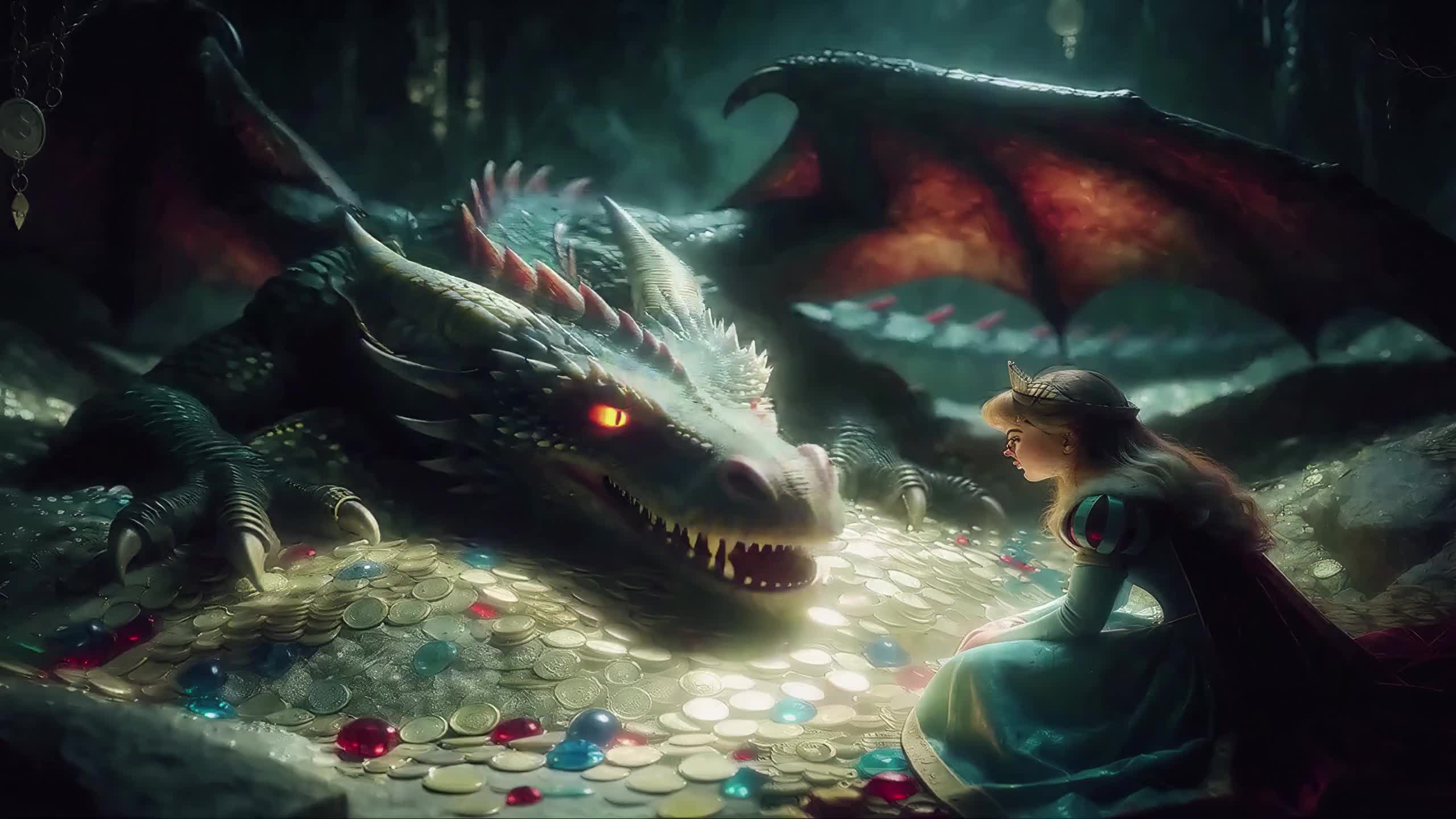
A fantasy scene with a continuous push from a two-shot to a close-up.
Explore this workflowCreate videos from a prompt, a photo or two frames with MiniMax H3. Explore cinematic ideas, animate your images and shape your next story in one creative workspace.
New Google accounts: 60 credits, valid for 30 days. Text: 6 credits/task. Image or two frames: 8. One-time grant; no payment card needed.
Preview and download your completed videos here.
Set your controls, then create
AI generation runs on our ComfyUI service. Prompts and reference images are uploaded for processing. Sign-in and sufficient credits are required.
Generation is subject to available credits, service capacity and queue times.
ONE WORKSPACE. MORE WAYS TO CREATE.
Start with an idea, a photograph, or a pair of frames. Choose the workflow that fits your story.
 MiniMax H3
Explore all three video workflows in one workspace.
Try it now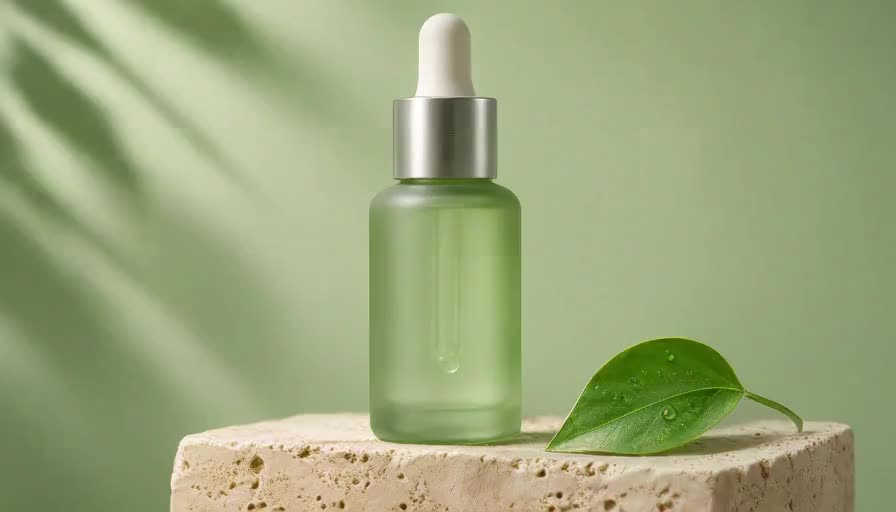 MiniMax H3
Describe a subject, an action and a camera move. Bring your idea to life.
Try it now MiniMax H3
Start with a photo and guide the movement, atmosphere and camera.
Try it now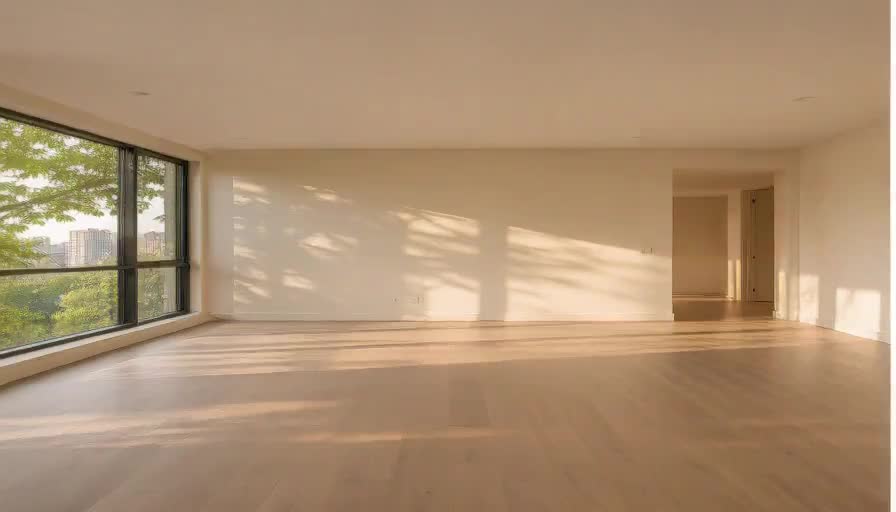 MiniMax H3
Connect an opening and ending image with an AI-generated transition.
Try it nowAll three generation modes connect to our ComfyUI workflows. Duration, credits and availability are shown in the studio.
FROM YOUR FIRST IDEA TO A MOVING STORY
Actual outputs from our H3 workflows. Explore the motion, framing and details, then try a direction of your own. AI artifacts may occur.
A fantasy scene with a continuous push from a two-shot to a close-up.
Explore this workflowExplore a subtle blink, a natural smile and gentle character motion.
Explore this workflowExperiment with camera movement and studio lighting around your product.
Explore this workflowSee an empty room transform into a furnished interior.
Explore this workflow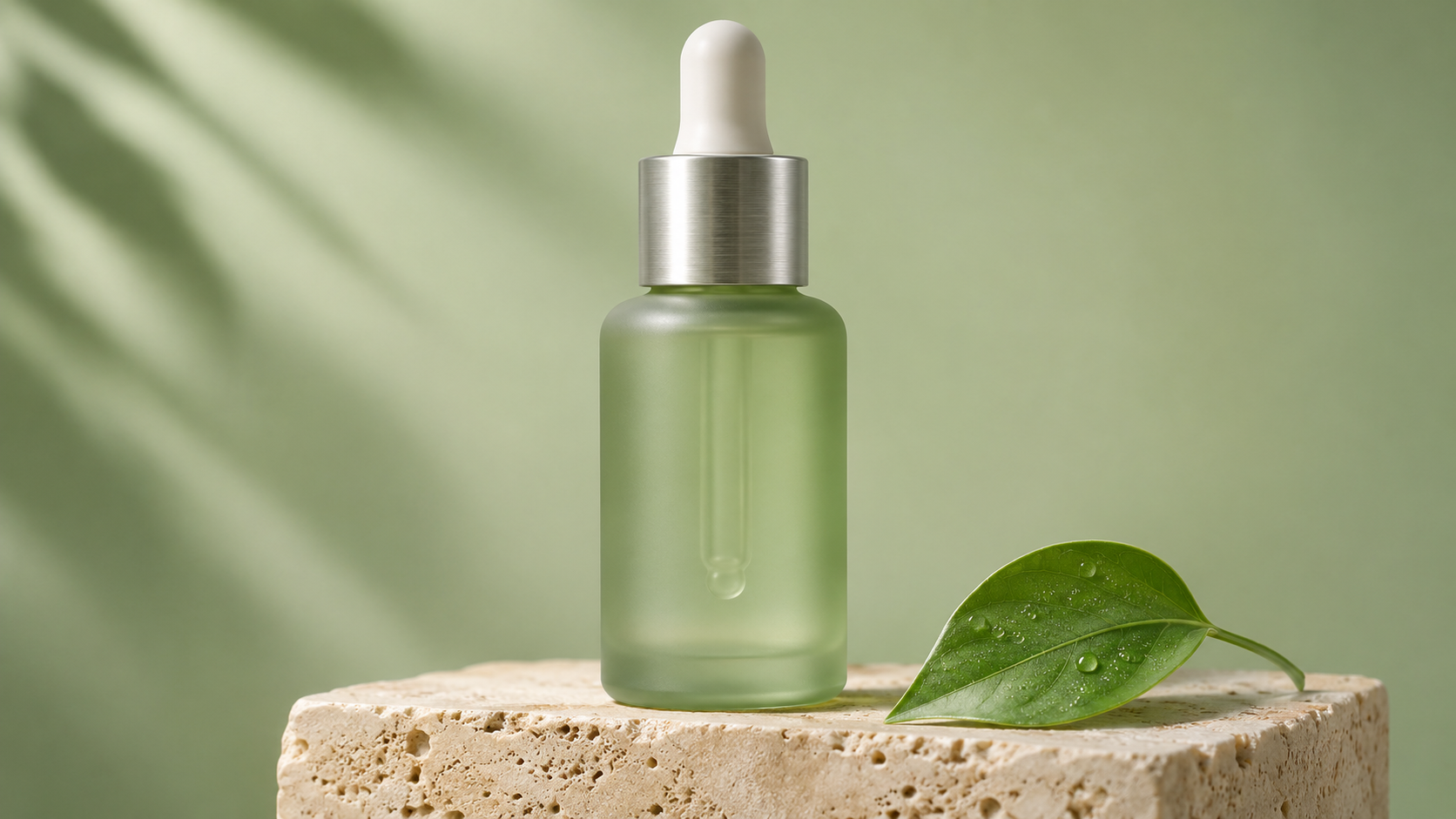
Start from a clean product image. Guide lighting and camera movement with a focused brief. Reference still, not a video.
Explore this workflow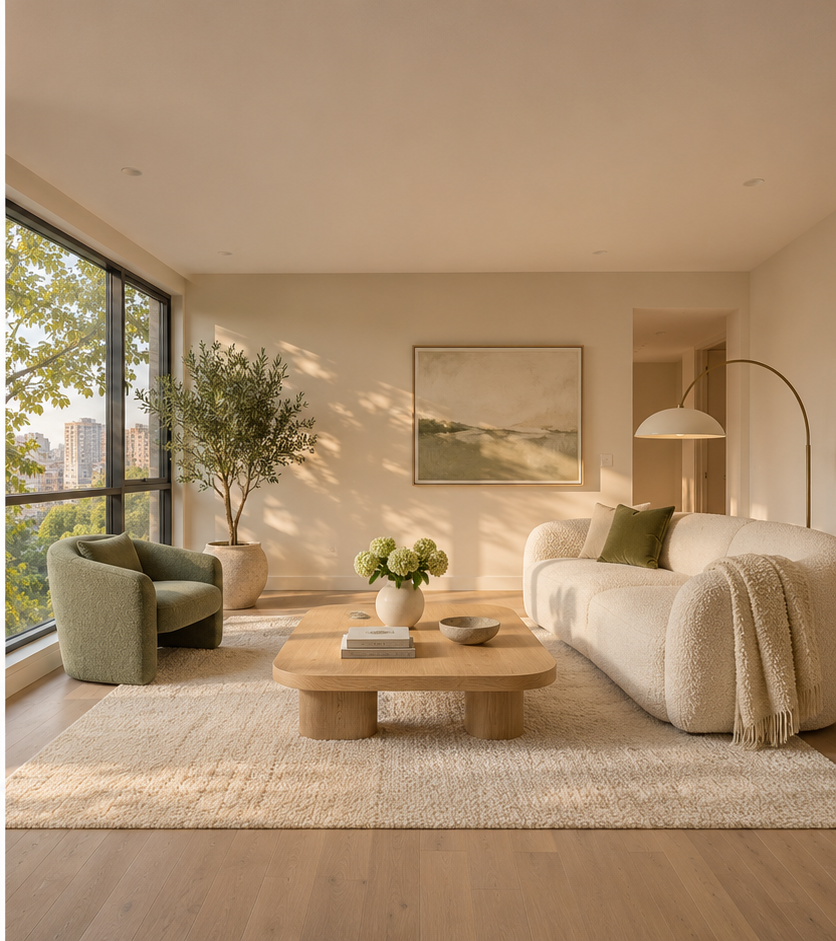
Keep the perspective consistent and use two frames to guide your transition. Reference still, not a video.
Explore this workflowOne studio for written ideas, image animation and transitions between frames.
Describe a subject, an action and a camera move. Bring your idea to life.
Open tool ANIMATEStart with a photo and guide the movement, atmosphere and camera.
Open tool CONNECTConnect an opening and ending image with an AI-generated transition.
Open toolClear controls, real examples and three practical ways to turn your ideas into motion.
Text, a single reference image, or a pair of first and last frames.
Track queued and running tasks without submitting the same request again.
Create landscape or portrait clips for your next story.
Use your Google account to access your studio and credit balance.
Watch actual H3 outputs before planning your own creative direction.
Preview the completed clip and save a copy to your device.
Choose a workflow, set your direction, then generate and download.
Write a prompt, animate an image, or upload your first and last frames.
Sign in, choose duration and format, then follow your task in the queue.
Save your result and refine the prompt for your next iteration.
Search all 81 answers in our help center
Choose a free AI video generator by the clips you need, its credit allowance and the controls you actually use. FreeVideo AI is a practical starting point for short H3 clips: text-to-video, image-to-video and first-and-last-frame generation share one simple studio. New Google accounts receive 60 credits valid for 30 days, with no payment card needed. Start with a 5-second scene and compare the result before spending more credits. There is no single best tool for every project.
FreeVideo AI gives new Google accounts 60 welcome credits, valid for 30 days. A text-to-video task costs 6 credits; image-to-video and first-and-last-frame tasks cost 8 each. That covers up to 10 text-to-video tasks, or 7 image-based tasks with 4 credits remaining, before other usage. The grant is one-time, not a daily refill. Sign in to see your balance and expiry before generating.
FreeVideo AI does not add a brand watermark in its current H3 generation and MP4 download flow. You can use welcome credits to try it without a payment card. AI-generated lettering or marks can still appear inside a scene, so review the output before publishing. Free access means the limited new-account credit grant, not unlimited generation; removing watermarks from other people’s work is a different task and is not provided here.
A beginner-friendly workflow has few decisions: choose a mode, describe one action, set the duration and generate. In FreeVideo AI, start with Text to Video, select 5 seconds and write: “A silver spacecraft glides above a futuristic city at dusk, slow forward tracking shot, soft blue light, one continuous shot.” Preview the result, then change one detail at a time. You do not need to install ComfyUI or configure a workflow.
If you want to test short video ideas before paying for a subscription, FreeVideo AI offers a limited welcome-credit trial for H3 generation. It supports text prompts, one reference image or start-and-end images, with 5-, 10- and 15-second options. For a finished film, you may still need an editor for captions, sound and sequencing. Compare actual output, queue time and total cost; a free trial is not a replacement for every paid production feature.
Open FreeVideo AI, choose Image to Video and upload a PNG, JPEG or WebP photo up to 10 MB. Describe movement rather than repeating what is already visible: “The person gently smiles and blinks; a light breeze moves their hair; fixed camera.” Choose 5, 10 or 15 seconds and the available landscape or portrait format, then generate. Each image-to-video task costs 8 credits. Preview the result and download the MP4 when complete.
For a straightforward photo-animation trial, FreeVideo AI lets you use new-account welcome credits on H3 image-to-video generation. It works with portraits, product photos and scene images, and also has a separate first-and-last-frame mode when you need a target ending. Try the same image and one simple movement when comparing tools. Check identity, object shape and motion in the output rather than relying on a “best” label; precise preservation is not guaranteed.
FreeVideo AI can animate a portrait through Image to Video. Use a sharp, unobstructed photo that you have permission to use, then try: “A gentle blink, a small natural smile, subtle breathing, head mostly still, fixed camera.” Begin with 5 seconds to inspect facial consistency. Large turns, hand movements across the face and fast motion can introduce distortion. This creates visual motion; the public generator does not provide talking avatars, lip sync or generated speech.
Yes. In FreeVideo AI, upload a clean product photo in Image to Video and describe a controlled shot: “The perfume bottle stays still on a black pedestal; a soft light sweeps across the glass as the camera slowly pushes in; no cuts.” Generate a short clip, then add your offer, captions and sound in an editor. Check labels, logo lettering and product shape carefully: H3 can change fine details and does not guarantee exact brand reproduction.
Use FreeVideo AI’s Image to Video mode with one picture. Give the model one clear source of motion: subject movement, a slow camera move or an environmental change such as drifting fog. For example: “The building remains still; the camera slowly moves forward while thin fog drifts between the towers.” Choose a short duration first. You do not need a second image unless you select First & last frame to guide the ending as well.
The right text-to-video generator depends on the shot you want, the controls you need and your budget for retries. FreeVideo AI is an option for turning a written scene into a short H3 clip with no source image required. Describe a subject, an action, a setting, one camera move and lighting. Choose 5, 10 or 15 seconds; each task costs 6 credits. Compare the generated motion and prompt adherence before committing to a longer sequence.
Yes, within FreeVideo AI’s new-account welcome allowance. Sign in with Google, open Text to Video, enter a prompt and submit a task using credits. New accounts receive 60 credits valid for 30 days; text-to-video costs 6 credits per task, so the grant can cover up to 10 such tasks before other usage. No payment card is needed for the welcome credits. Generation is queued, and the free allowance is not unlimited or renewed daily.
FreeVideo AI can generate portrait-format short footage for a TikTok editing workflow. Choose the 9:16 option, put the main subject near the center and describe one action with an immediate visual hook. The public portrait output is currently 512 × 896, an approximate vertical format, not native 1080 × 1920. Crop or resize in your editor, add captions and audio, then review the final export. The site does not automatically publish to TikTok or create a complete narrated post.
In FreeVideo AI, plan one cinematic shot before writing the prompt: a clear subject, layered environment, motivated lighting and a slow camera move. Try: “A lone explorer stands beneath colossal interlocking orbital towers, luminous bridges receding into clouds; slow push-in from medium shot, cold rim light, atmospheric depth, one continuous shot.” For a specific visual style, start from a reference image in Image to Video. Grade and add sound afterward; cinematic detail and exact camera motion are not guaranteed.
FreeVideo AI can turn individual scene descriptions from a script into short video clips. Break your script into shots, rewrite each as a visual prompt, and generate 5-, 10- or 15-second clips in Text to Video. Use reference images when visual consistency matters, then assemble the clips in an editor. The studio is not a one-click script-to-finished-video service: it does not automatically create a storyboard, narrate a script, add subtitles or edit multiple scenes together.
Choose FreeVideo AI if your immediate goal is a focused H3 video workflow: text-to-video, image-to-video or first-and-last-frame clips with a new-account welcome allowance. MindForgeAI’s website presents a broader image-and-video workspace with image generation and editing tools. That breadth can matter if you need to prepare artwork before animation. Neither is automatically better: compare the same source image, motion prompt, output and current credit terms. FreeVideo AI does not currently offer a public image-generation tool.
FreeVideo AI is worth testing as a focused alternative when you need short H3 clips from text, a photo or start-and-end images. Its 60-credit new-account grant lets you evaluate that workflow before spending on generation. It is not a feature-for-feature replacement for Runway: compare required editing controls, models, resolution and sound support as well as cost. Runway publishes its own current plans; credit units across the two services are different and should not be compared as equal amounts of video.
MindForgeAI’s public website lists image generation, image editing and video workflows, so it may be relevant when you need both still-image preparation and animation. A feature list alone does not establish output quality: test a representative image or video brief and inspect the result and credit charge. If your task is specifically a short H3 video, you can also try FreeVideo AI’s three video modes using its welcome credits. Choose based on your own test rather than an unsupported overall ranking.
If you need image creation and editing alongside video, MindForgeAI’s website lists image generation, an image editor, background removal, image expansion and video workflows in one workspace. FreeVideo AI takes a narrower approach: one studio for Text to Video, Image to Video and First & last frame. Use FreeVideo AI when your reference image is ready and you want to animate it; check a broader platform’s specific tools and pricing when image editing is part of the job.
For video, FreeVideo AI offers new Google accounts 60 welcome credits valid for 30 days, usable for text-to-video, image-to-video and first-and-last-frame clips. It does not currently generate still images. For both image and video creation, Runway’s official pricing page lists a free plan with a limited, one-time credit allocation and selected creative models; check which generation modes are included before starting. Free plans differ in watermark rules, access and expiry. Do not assume that free browsing means free generation.